Discover Your True Earnings with a Futures Prop Firm Payout Calculator
Navigating the world of proprietary trading can be thrilling, but understanding your actual take-home pay? That’s where things get murky. Many futures traders struggle to quickly calculate their earnings after accounting for profit splits and unexpected fees. That’s why a tool designed to break down your payout can be a game-changer. It offers clarity on what you’ll really earn from your hard-won trades.
Why Calculating Payouts Matters
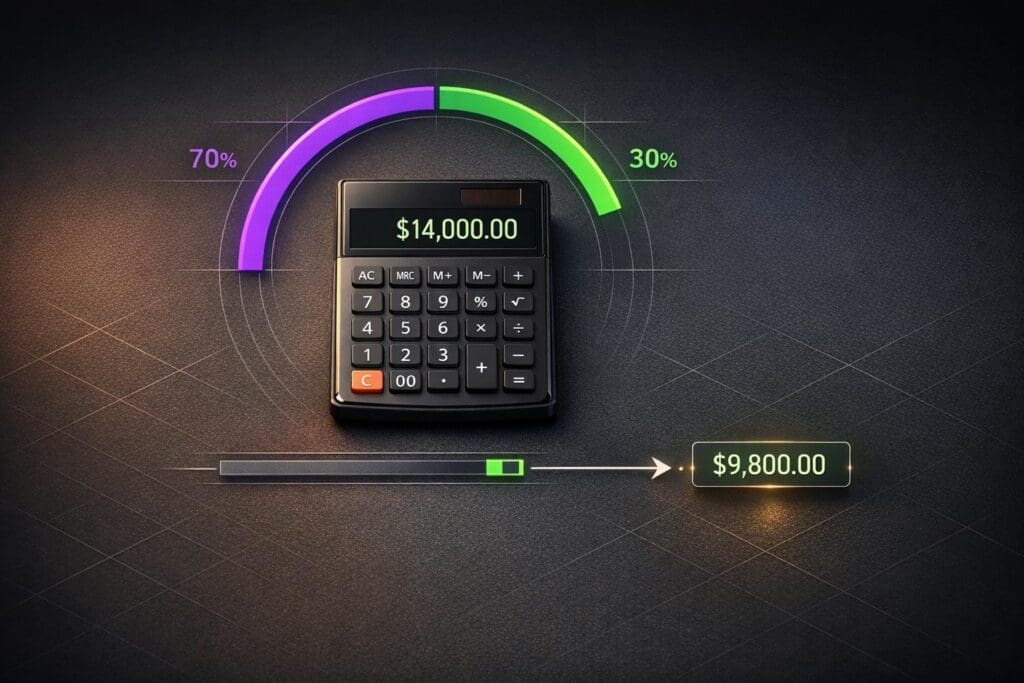
When you trade with a prop firm, you’re often working with borrowed capital, and the firm takes a cut of your profits. Typically, this ranges between 10% to 30%, but additional costs like platform fees can chip away at your income further. Manually crunching these numbers is tedious and prone to mistakes, especially after a long trading session. With a dedicated calculator for prop trading earnings, you input a few key details—your total profit, the agreed split, and any deductions—and instantly see a detailed breakdown. This empowers you to make informed decisions about which firms offer the best terms for your trading style. Whether you’re scaling up or just testing the waters, knowing your numbers is key to long-term success in the futures market.
FAQs
What is a profit split in prop trading?
A profit split is the percentage of your trading profits that you get to keep, as agreed with the proprietary trading firm. Most firms offer splits ranging from 70% to 90%, meaning if you make $10,000 with an 80% split, you’d keep $8,000 before any fees. The firm takes the rest as their cut for providing capital and resources. This calculator lets you input your specific split to see the exact amount you’ll pocket.
Do all prop firms charge fees or deductions?
Not always, but many do. Some firms might charge a monthly desk fee, data fees, or other costs that get deducted from your payout. Others might have no fees at all, especially if you’re on a performance-based plan. Check your agreement with the firm to know what applies, and plug those numbers into this tool to see how they impact your earnings.
What happens if I enter a negative profit or invalid data?
No worries—we’ve got you covered. If you accidentally input a negative number for profit or fees, or type something that’s not a number, the tool will show a clear error message. It’ll prompt you to correct the input before calculating. This way, you won’t get stuck with weird results, and you can quickly get back to figuring out your payout.