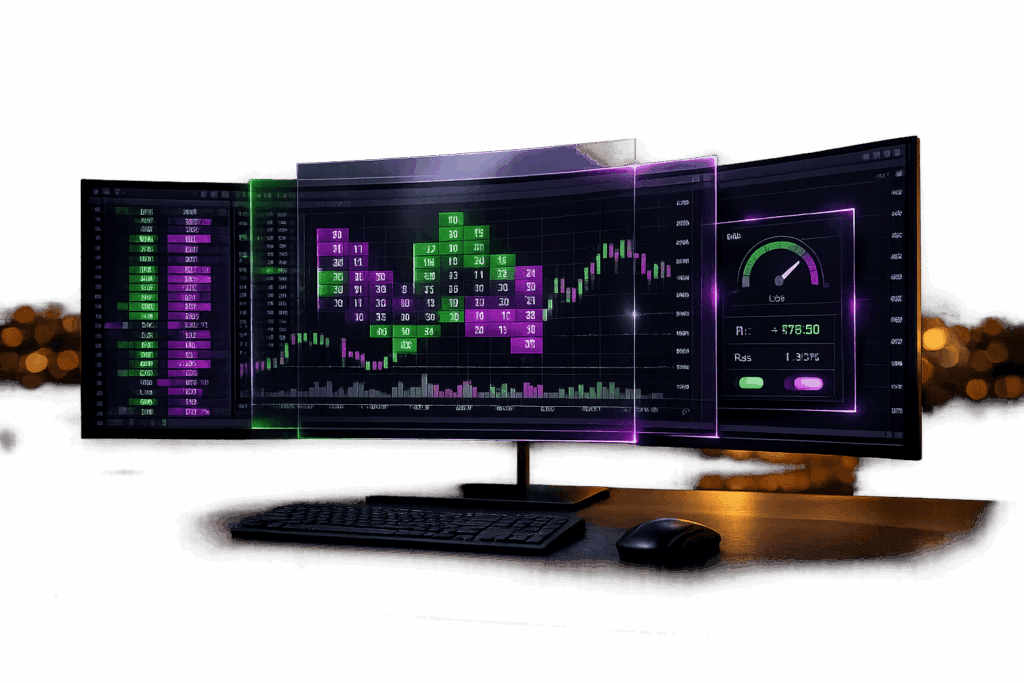
DeepCharts, developed by Volumetrica Trading, is a browser-based platform designed for futures prop traders. It provides advanced order flow tools like footprint charts, volume profiles, and a real-time DOM ladder. Key features include:
- Risk Management: Built-in tools to enforce daily loss limits and per-trade caps.
- Trade Copier: Mirrors trades across up to 15 accounts, saving costs on third-party software.
- Cross-Platform Access: Works on browsers, desktop apps (Mac/Windows), and mobile devices.
- Ultra-Low Latency: Market data updates every 0.015 seconds via dxFeed.
- Practice Mode: Free delayed data feed for learning and historical market replay.
DeepCharts integrates with major futures prop firms like Phidias and YRM Prop, often included in evaluation packages at no extra cost. However, it supports only CME and EUREX instruments and has a steep learning curve for order flow concepts. Pricing starts at $99/month or $831/year, with a free version offering delayed data.
For serious futures traders, especially those aiming to secure funded accounts, DeepCharts offers powerful tools to analyze market activity and manage risk effectively.
A Beginner Guide to Deepcharts™
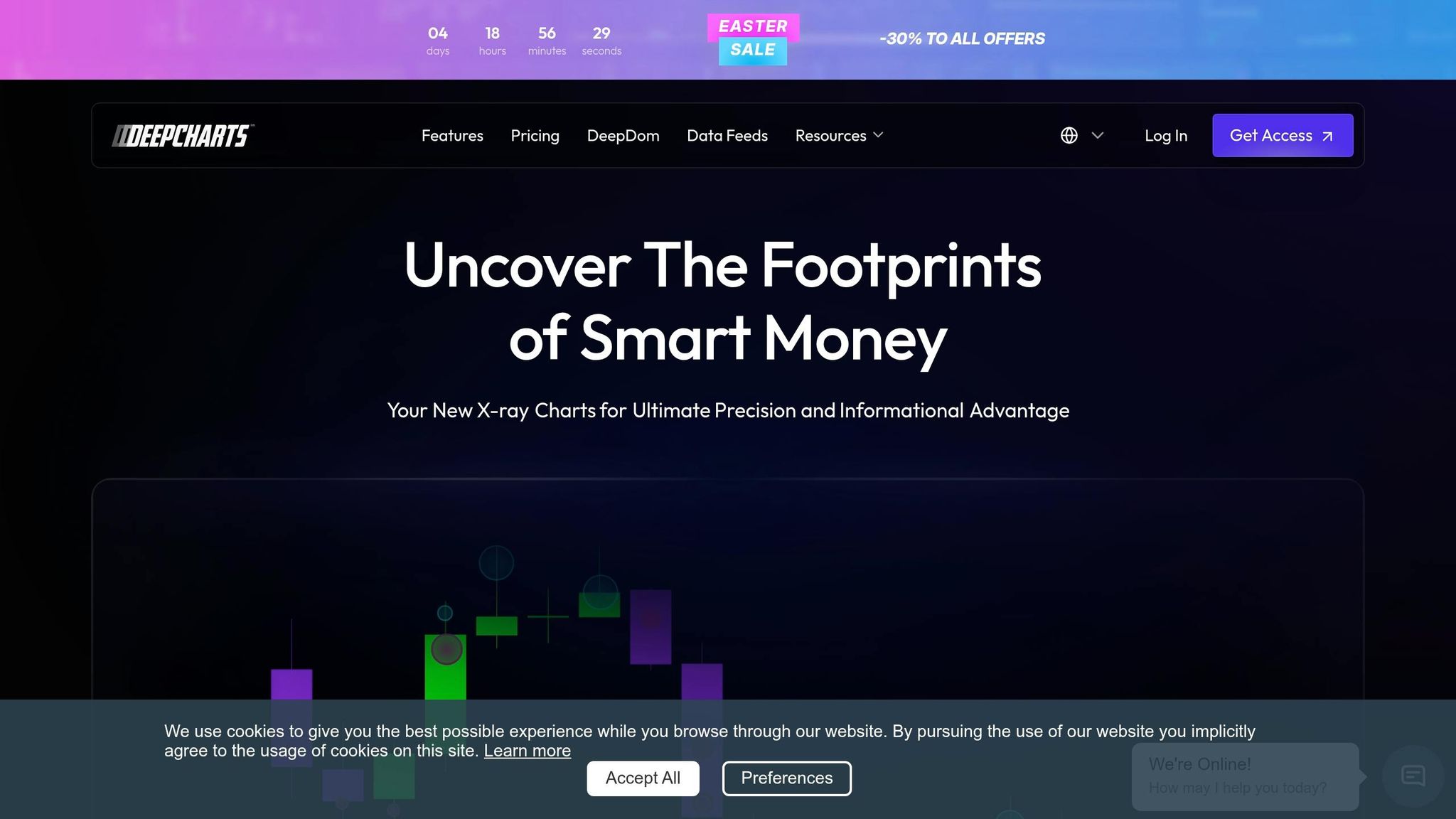
What DeepCharts Offers: Features and Tools
DeepCharts stands out as a browser-based order flow platform tailored for futures prop traders. Created by Volumetrica Trading, it delivers a level of granular data that goes beyond what traditional charts can offer. Accessible through Chrome, Safari, and Edge browsers on Mac, Windows, Linux, and even mobile devices, it also provides dedicated desktop apps for Mac and Windows users [3,7]. This platform unveils market microstructure details – such as aggressive buying, absorption zones, and iceberg orders – that are typically hidden on standard candlestick charts.
With over 80 indicators for volume, delta, and technical analysis, DeepCharts also includes five proprietary tools known as "Deep Studies", such as the IVB Model, Deep Effort NQ, and Deep V-Tracker. These advanced tools work seamlessly with features like footprint charts, DOM ladders, and volume profiles, offering traders a comprehensive view of market activity. The platform connects directly to CME and EUREX exchanges, supporting popular instruments like ES, NQ, CL, GC, and exclusive access to DAX and Euro Stoxx futures through partnerships like Phidias [3,7].
Order Flow Analysis Features
DeepCharts redefines order flow analysis with its specialized tools and visualizations:
- Footprint charts, branded as "Deep Prints", highlight aggressive buy and sell volumes at each price level within a candle. This feature exposes institutional activity, stop runs, and volume imbalances, helping traders identify potential reversals or continuations. Color-coded cells make it easier to spot trapped traders or exhaustion patterns.
- The Depth of Market (DOM) ladder, enhanced by the "DeepDom" feature, supports one-click execution and real-time bid/ask visualization. Tools like "Deep Wall" identify iceberg orders, while the "Stop Run Spotter" anticipates stop-clearing events.
- Volume and Delta Profiles dynamically adjust to price movements, offering insights into key support and resistance levels. These profiles, available in daily, weekly, composite, and swing formats, pinpoint high-volume nodes and value areas, updating in real time to reflect liquidity shifts.
- The "Deep Trades" technology aggregates individual orders to reconstruct institutional activity. This tool reveals absorption zones, where large orders absorb aggressive flow, and exhaustion points, where liquidity diminishes [4,5].
Market Analysis Tools
DeepCharts complements its order flow features with robust market analysis tools designed to enhance decision-making.
The platform offers specialized chart types, including DeepBars, Range, and Renko charts, which filter out market noise and focus on meaningful price movements. These are particularly useful for scalpers and day traders navigating volatile or choppy conditions [2,10].
Deep Replay is another standout feature, allowing traders to replay historical market data tick-by-tick. This tool is invaluable for practicing order flow reading and studying market behavior during high-volatility events like FOMC announcements or NFP releases [2,3].
The platform also includes a Money Management system that helps traders stay within risk limits. Users can set daily P&L caps, maximum loss limits per trade, and overall loss protections. If these thresholds are reached, DeepCharts automatically flattens all positions, preventing rule violations that could put evaluations or funded accounts at risk [3,5].
For traders managing multiple accounts, the native trade copier is a game-changer. It mirrors executions across up to 15 accounts simultaneously at firms like Phidias [6,7]. The copier supports contract multipliers for scaling positions and offers two modes: "Order to Order" for consistent entry prices and "Order to Market" for guaranteed fills during volatile conditions. By eliminating the need for third-party software, this feature reduces costs and minimizes execution errors.
How DeepCharts Works with Futures Prop Firms
DeepCharts integrates seamlessly with leading futures prop firms, making it an ideal choice for traders.
It connects directly with firms like Phidias Propfirm, Goat Funded Futures, YRM Prop, and FuturesElite. For instance, Phidias includes DeepCharts as a bundled option during evaluation purchases, allowing traders to access the platform at no additional cost [3,7]. This eliminates the need for separate platform and data feed subscriptions, lowering monthly expenses for traders managing multiple accounts.
For those not ready to commit to real-time data, DeepCharts provides a free 15-minute delayed feed, granting full access to its order flow tools for learning and practice [3,5].
The platform’s risk management features align with prop firm requirements, offering safeguards like daily loss limits and drawdown rules. The trade copier further enhances reliability with bracket margin settings (recommended at 10 ticks) to account for minor fill differences while maintaining consistent stop-loss and take-profit levels across accounts.
DeepCharts Strengths and Weaknesses for Prop Traders
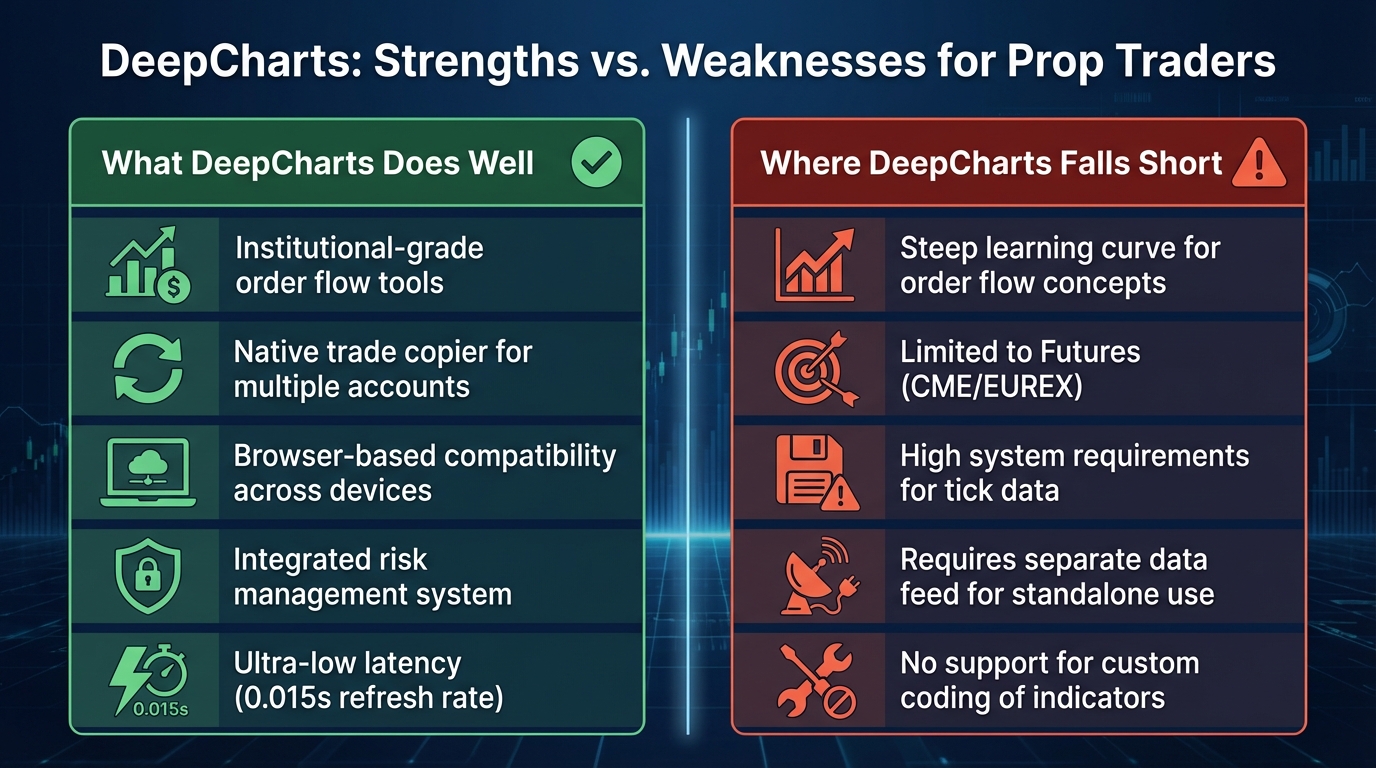
DeepCharts Strengths vs Weaknesses for Futures Prop Traders
DeepCharts offers analytics on par with institutional trading platforms, a level of sophistication that’s rare for retail tools. However, this advanced functionality comes with its own set of challenges. Weighing its advantages and limitations can help you determine whether it’s the right choice for your trading needs.
What DeepCharts Does Well
DeepCharts stands out for its advanced features that cater to serious prop traders.
The platform’s footprint charts and DOM ladder provide a depth of market insight that goes beyond basic candlestick charts. These tools reveal critical details like aggressive buying and selling at specific price levels, absorption zones where large orders stabilize market movements, and exhaustion points that can signal potential reversals.
Another highlight is its cross-platform accessibility. As a browser-based platform, DeepCharts runs seamlessly on Mac, Windows, and Linux without requiring virtual machines or additional installations. This flexibility extends to mobile devices, allowing traders to monitor positions or switch devices effortlessly.
The native trade copier is a money-saver, enabling users to mirror trades across multiple accounts without needing third-party software. This eliminates the need to compare Replikanto vs Apex Trade Copier or other external tools. This feature alone can save traders hundreds of dollars annually.
Integrated risk management is another strong point. The platform’s Money Management system automatically closes all positions when predefined thresholds are reached, helping traders avoid costly mistakes or rule violations.
Finally, its ultra-low latency ensures real-time updates, with a refresh rate of just 0.015 seconds. This level of speed is crucial for responding to rapid market changes.
Where DeepCharts Falls Short
Despite its many strengths, DeepCharts does have some drawbacks.
The learning curve is steep – not due to the platform’s interface, but because understanding order flow concepts like Auction Market Theory, absorption, and exhaustion signals takes time and effort. Even with pre-built templates, it may take weeks of practice to master footprint charts.
System requirements can also be an issue. The platform processes tick-by-tick data, which can strain older computers. Additionally, loading extensive historical data may slow performance or even trigger security software warnings during installation.
DeepCharts is futures-focused, supporting only CME and EUREX instruments. This makes it unsuitable for traders who work with Forex, cryptocurrencies, or equities. Another limitation is the lack of support for custom coding, which restricts traders from creating their own indicators or tools.
Lastly, the pricing structure can be a hurdle. The standalone version requires a separate subscription for both the platform and the data feed, which can add up quickly. However, this is less of an issue for traders using DeepCharts through prop firms like Phidias, where it’s included as part of a package at no extra cost.
Strengths vs. Weaknesses Table
| Strength | Weakness |
|---|---|
| Institutional-grade order flow tools | Steep learning curve for order flow concepts |
| Native trade copier for multiple accounts | Limited to Futures (CME/EUREX) |
| Browser-based compatibility across devices | High system requirements for tick data |
| Integrated risk management system | Requires separate data feed for standalone use |
| Ultra-low latency (0.015s refresh rate) | No support for custom coding of indicators |
sbb-itb-46ae61d
DeepCharts Pricing and Plans
DeepCharts provides two ways to access its platform: through a standalone subscription or as part of a bundle with select futures prop firms. Here’s a breakdown of the pricing and options available.
Subscription Plans and Costs
The Full Plan is priced at $99 per month for monthly billing or $831 annually, which averages out to about $69 per month. Previously, DeepCharts offered an Easter promotion that reduced the monthly rate to $69, giving users a 30% discount. This plan includes features like Deep Print, Volume Profiles, DeepTrades, the Risk Manager, a native trade copier, and Deep Replay.
For standalone users, a subscription to a real-time data feed – via dxFeed, Rithmic, or CQG – is required.
DeepCharts also offers a free version with a 15-minute delayed data feed. This option allows users to practice using footprint charts, the DOM ladder, and Deep Replay without any cost.
Pricing Through Prop Firms
Bundled pricing through certain prop firms offers even greater savings.
Phidias Propfirm, for example, provides DeepCharts access at no extra cost when you select it as your data feed during the evaluation purchase. This eliminates both the platform subscription fee and the cost of a separate data feed.
"At Phidias, you get free access to DeepCharts desktop with your evaluation or funded account. No separate subscription. No additional fees." – Phidias Propfirm
In April 2026, Phidias offered a $25,000 Static evaluation account for a one-time payment of $55.40 (discounted from $277). This included DeepCharts access, no activation fees, and a $1,500 profit target using dxFeed or Rithmic data. Other firms, such as YRM Prop and Goat Funded Futures, also support DeepCharts, though they don’t seem to provide the same bundled pricing as Phidias.
If you’re trading with platforms like Apex Trader Funding, Take Profit Trader, or Topstep, DeepCharts can connect via Rithmic or CQG. However, you would typically need a standalone subscription to use the platform.
These options demonstrate how DeepCharts caters to traders looking for advanced tools while keeping costs manageable.
Free Trials and Demo Accounts
DeepCharts’ free version, with its 15-minute delayed data feed, provides full access to the platform’s interface, demo accounts, and Deep Replay. This allows potential users to test the system without any financial commitment.
The platform’s popularity was evident during its April 2026 launch, when 1,000 licenses sold within hours, and over 38,000 viewers tuned in to the live event. The free version ensures that traders can explore the platform’s features thoroughly before deciding to subscribe.
For those serious about order flow trading, using DeepCharts through Phidias is a cost-effective choice, as it eliminates the $99 monthly fee. Standalone users, however, may find the annual plan at $831 to be the best value, especially with extras like the Orderflow Mastery Course and weekly live streams featuring traders such as Fabio Valentini.
How to Set Up and Use DeepCharts for Prop Trading
Installation and Setup Process
DeepCharts offers two options for users: a browser-based platform (DeepChart Web) and a desktop application (DeepChart/DeepDom). The web version works seamlessly on Chrome, Firefox, Safari, and Edge, requiring no installation. It’s compatible across Windows, Mac, Linux, and even mobile devices. On the other hand, the desktop version needs to be installed and comes with additional tools like the DeepDom heatmap and microstructure analysis features.
For traders using prop firms such as Phidias, Alpha Futures, or MyFunded Futures, DeepCharts is often integrated directly into their dashboards. This integration allows you to launch the platform with just one click after logging in. However, before you can access live market data or execute trades, you’ll need to sign a Non-Professional Agreement via your dxFeed or prop firm dashboard. Without completing this step, your charts will only display static data.
If you’re using the desktop version, the setup process includes a Startup Wizard. Here’s what you’ll need to do:
- Select dxFeed as your data source.
- Choose Propfirm as your server.
- Specify the exchanges supported by your prop firm (commonly CME, CBOT, NYMEX, and COMEX).
- Start in Simulation mode to configure the platform without risking real funds.
Once connected, a green dot in the Volsys/Volbook dashboard will confirm that your connection is active. If you encounter login issues, double-check that your credentials are entered correctly, as they are case-sensitive.
| Feature | DeepChart Web | DeepChart Desktop |
|---|---|---|
| Installation | None (Browser-based) | Required (Windows/Mac) |
| Setup Complexity | Low (One-click launch) | Moderate (Startup Wizard) |
| DeepDom Access | Limited | Full Heatmap/Microstructure |
| Compatibility | Windows, Mac, Linux, Mobile | Windows, Mac |
| Data Feed | Integrated dxFeed | Configurable (dxFeed/Rithmic) |
Once your setup is complete, take advantage of the training resources to get comfortable with the platform.
Training Materials and Support
DeepCharts offers a four-week intensive boot camp that’s perfect for learning order flow analysis, especially for those new to this style of trading. Additionally, weekly live streams on YouTube provide ongoing education, including practical insights into trading strategies.
The platform also comes with over 10 pre-configured templates for footprint charts, DOM ladders, and volume profiles, saving you time on manual setup. Both Volumetrica and partner firms like Alpha Futures maintain help centers packed with support materials, including video tutorials and troubleshooting guides. If you’re not ready to commit to a paid subscription, you can use the free version with a 15-minute delayed data feed to practice and explore the platform’s features.
Setup Mistakes to Avoid
To ensure a smooth experience, steer clear of these common errors:
- Skipping the Non-Professional Agreement: Without signing this, your charts won’t display live data, leading to unnecessary troubleshooting.
- Choosing the wrong exchange: If your prop firm supports only CME and CBOT, selecting additional exchanges during setup can cause data errors.
- Ignoring Simulation mode: Always select Simulation mode during setup to maintain compliance and avoid risking real funds prematurely.
- Forgetting to select your connection: Make sure to choose the correct server (e.g., "MFFU" for MyFunded Futures) to enable order execution.
- Leaving positions open: Always use the "Flat and Cancel" button before closing the platform to avoid leaving positions or orders active.
- Using delayed data for live trading: The 15-minute delayed feed is strictly for practice. For live trading, use the professional real-time dxFeed to avoid latency issues that could impact your trades.
Getting the setup right is key to managing risk effectively and making the most of DeepCharts’ advanced tools for order flow trading.
Conclusion: Should You Use DeepCharts for Prop Trading?
DeepCharts stands out as a solid choice for traders seeking detailed order flow analysis without breaking the bank. It processes thousands of trades per candle, offering the granular market data that scalpers need for precision trading.
One of its key strengths lies in its affordability, especially when paired with prop firms. Many supported futures prop firms include DeepCharts as a data feed option, which can save you money on subscription and data feed fees. Additionally, the platform’s built-in trade copier eliminates the need for costly third-party software.
However, it’s important to note that DeepCharts is tailored solely for futures trading. It doesn’t support Forex, crypto, or equities, and it lacks features for automated trading or custom-coded indicators. As Paul from Prop Trading Vibes aptly explained, "The learning curve isn’t in the platform itself but in understanding order flow concepts". To get the most out of DeepCharts, traders need to invest time in learning order flow techniques through its training resources and live sessions.
For scalpers aiming to secure funded accounts with firms like Apex Trader Funding, Take Profit Trader, or Topstep, DeepCharts provides the real-time liquidity data and quick 0.015-second refresh rate necessary to stay competitive. Beginners can start with the free 15-minute delayed feed or use the Deep Replay feature to practice interpreting order flow patterns before risking evaluation capital.
For those focused on CME or EUREX futures and looking to analyze institutional activity and volume imbalances, DeepCharts is a strong option. Just ensure your prop firm supports the platform and dedicate time to mastering its order flow tools through the available courses and live sessions. This aligns perfectly with DeepCharts’ mission of delivering actionable insights for efficient futures prop trading.
FAQs
Do I need real-time data to use DeepCharts?
Real-time data plays a key role in using DeepCharts effectively. It allows for live order flow analysis, detailed footprint charts, and insights into market depth – tools that are essential for making informed decisions in futures trading.
Which prop firms include DeepCharts for free?
Phidias Propfirm provides DeepCharts at no extra charge, fully integrating it into their platform for trading futures. This means traders can use DeepCharts for free as part of Phidias Propfirm’s services, eliminating any additional expenses.
Will DeepCharts run well on my computer?
The DeepCharts desktop platform is designed for Windows PCs and can be installed in roughly 5 minutes. Before starting, make sure your system meets the necessary requirements. You’ll need an active Phidias account and valid login credentials, so double-check these details before proceeding with the setup.