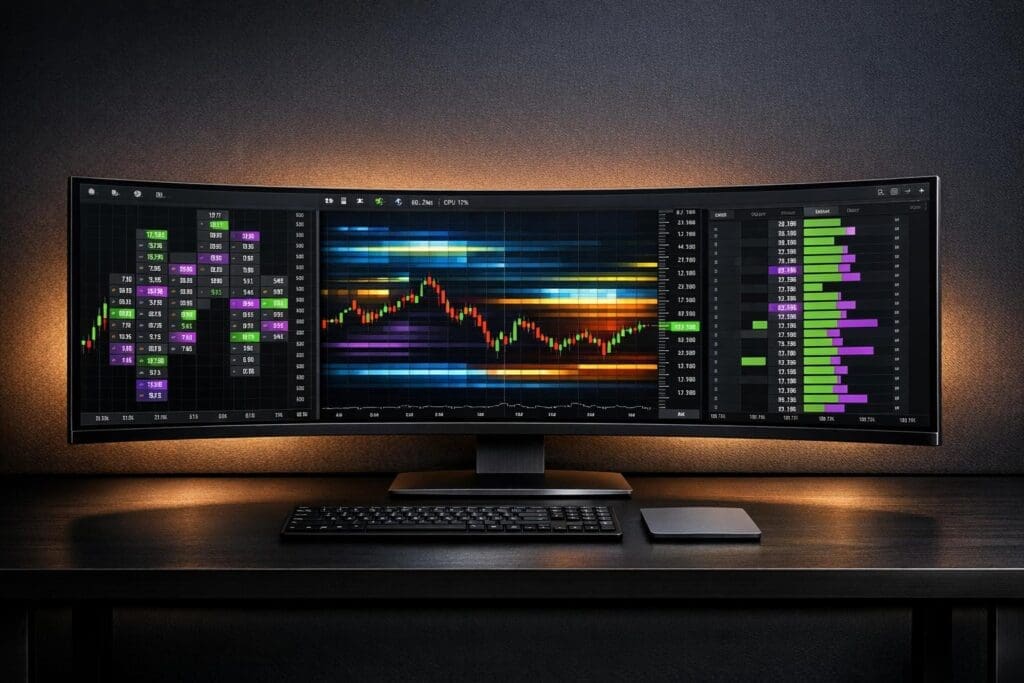
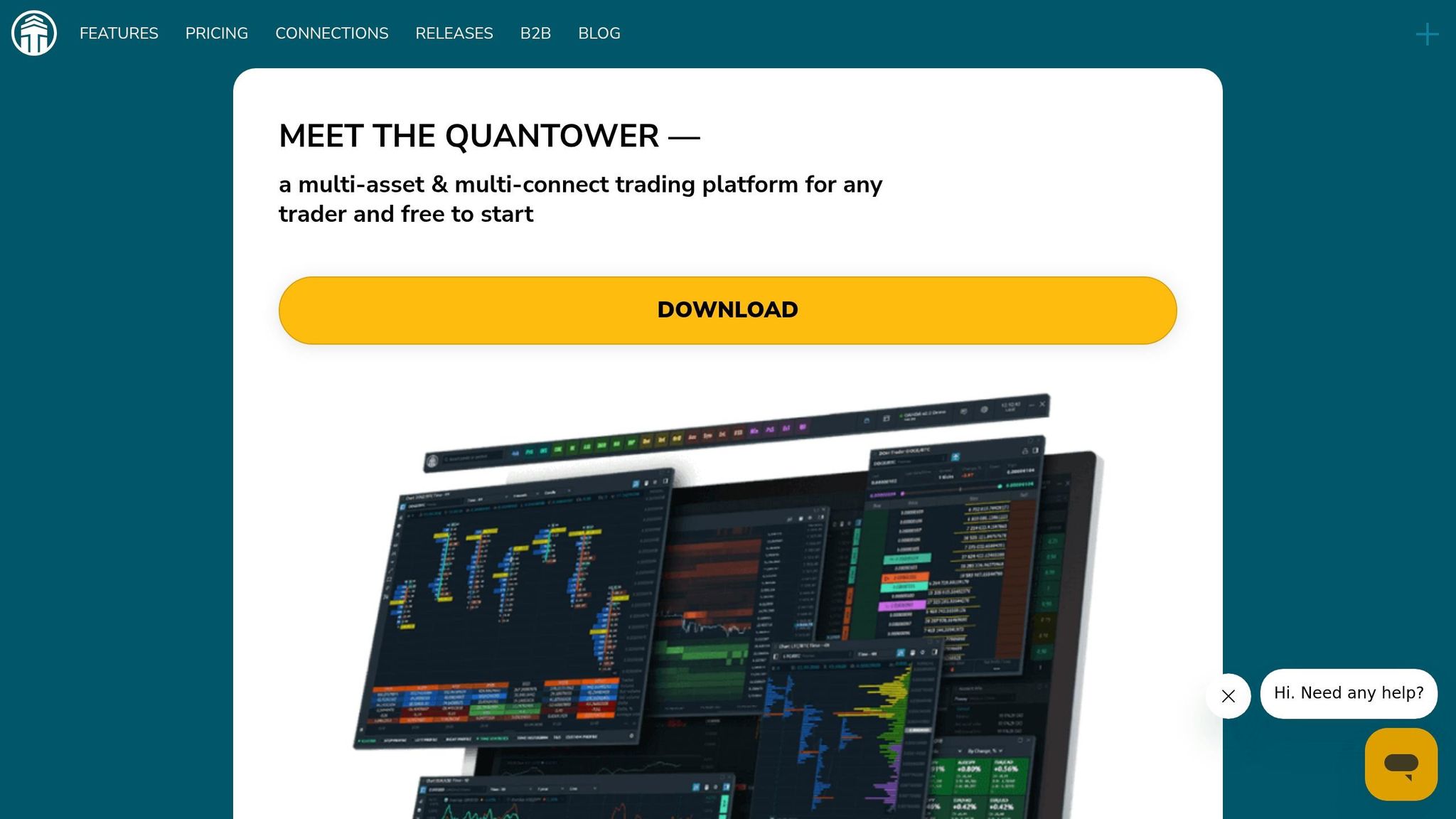
Quantower is a Windows-based trading platform designed for professional futures traders, especially those working with funded accounts through firms like Apex Trader Funding, Topstep, and Take Profit Trader. Known for its advanced order flow tools, Quantower offers features like Footprint charts, a DOM Surface heatmap, and Volume Profile analysis to help traders better understand market dynamics and execute trades with precision.
Key Highlights:
- Order Flow Tools: Footprint charts, DOM Surface, and Power Trades provide deep insights into buying/selling patterns and liquidity zones.
- Customizable Design: Over 40 panels and multi-monitor support allow for tailored workspaces.
- Broker Integration: Connects with 60+ brokers and data feeds, including Rithmic, for fast execution (12-25ms).
- Pricing Options: Monthly plans start at $70, with free access available through partner brokers like AMP Futures.
While Quantower excels in delivering powerful tools for order flow trading, it requires technical setup, a Windows system, and at least 16GB of RAM for optimal performance. It’s a strong choice for serious traders focused on precision and speed.
Order Flow Analysis Basics: A Beginner’s Guide || Quantower India
sbb-itb-46ae61d
Order Flow Analysis Features in Quantower
Quantower’s order flow tools provide traders with a deeper look into market dynamics through three key features: the DOM Surface, Footprint charts, and Power Trades. Unlike standard candlestick charts, these tools reveal details like where major players are placing orders, how aggressively they’re trading, and shifts in the market’s structure.
Depth of Market (DOM) and DOM Surface Panel
The DOM Trader is a depth of market table designed for efficient order execution. It allows traders to place, modify, or cancel orders directly on the price scale. Meanwhile, the DOM Surface offers a heatmap view of the order book, showing stacked bid and ask levels across hundreds of price points. Bright colors highlight areas where large limit orders are waiting to be executed, making it easy to spot zones of high liquidity.
"The main advantage of Heatmap visualization over the classic DOM view is that you immediately see the zone of accumulation of large orders that are waiting to get filled."
- Quantower Help
These high-liquidity zones often act as price magnets, pulling the market toward them or causing it to pause when reached. The DOM Surface also includes an imbalance histogram, which calculates the percentage difference between buy and sell orders. When the imbalance exceeds 50% on one side, it can strongly indicate the short-term price direction. Traders can customize the heatmap’s appearance, choosing from Monochrome, Bichrome, or full-color modes, and adjust the contrast to suit their preferences.
Next, let’s see how Time & Sales data and Volume Profile tools add even more depth to Quantower’s order flow analysis.
Time & Sales and Volume Profile Tools
The Time & Sales feature offers a detailed breakdown of every trade, including price, volume, and timestamp. For those who need to dig deeper, the Historical Time & Sales option provides a granular view of activity within a specific bar.
The Volume Profile tool identifies critical price levels such as the Point of Control (POC) – where the most volume was traded – and the Value Area, which represents the range that contains 70% of trading volume. These levels often act as key support and resistance zones. Quantower allows traders to display Step, Right, Left, and Custom profiles, along with multiple session profiles (e.g., Regular Trading Hours alongside a 24-hour profile) directly on the DOM Trader panel.
These tools lay the groundwork for even more detailed analysis using Footprint charts and Power Trades.
Footprint Charts and Power Trades
Footprint charts provide a detailed view of bid and ask volumes at each price level within a single candle. This reveals where aggressive buyers and sellers are active. Large circles on the chart highlight heavy market orders. When these orders fail to break through high-liquidity levels, it signals absorption – passive traders stepping in to take the opposite side. This granular data helps traders spot turning points and understand participant behavior.
Quantower supports over 15 data types for Footprint charts, including Delta %, Buy/Sell Volume, Average Size, and Filtered Volume. This flexibility allows traders to analyze specific behaviors, such as identifying whether limit orders are passively filling or if market orders are driving the action.
Power Trades identifies large executions in as little as one second. For example, in the E-mini S&P 500 (ES), a Basis Ratio above 10% is considered notable. The tool uses delta to determine which side – buyers or sellers – is dominant, while comparing the zone’s volume against the recent total volume. Traders can also filter Power Trades by session to avoid false signals, as volume thresholds vary between sessions like the American and European trading hours.
"For a market to move there has to be an imbalance overwhelmed by either side willing to show more aggression."
- Quantower Blog
Charting and Customization Options for Prop Traders
Quantower takes charting and customization to a whole new level, providing prop traders with tools that cater to a variety of trading styles. The platform supports traditional time-based charts as well as specialized types like Tick, Range Bars, Renko, Kagi, Point & Figure, and Heiken-Ashi. Each chart type serves a purpose – Range Bars help smooth out erratic price movements, while Tick charts allow scalpers to track every transaction during periods of high trading volume.
Multiple Timeframes and Indicator Library
Switching between timeframes is seamless. Whether you’re moving from a 1-minute view to a 1-hour chart or setting up a custom timeframe tailored to your strategy, the process is quick and intuitive. Quantower comes packed with over 160 built-in indicators, from standard moving averages to more specialized tools like multi-deviation VWAP and TD Sequential.
"The charting capabilities of Quantower are phenomenal. I found myself saving time by easily switching between timeframes and applying indicators without any lag."
- Paul Holmes, Broker Analyst and Editor, DayTrading.com
For traders who rely on technical analysis, the platform offers a rich set of drawing tools, including Fibonacci retracements, Gann fans, harmonic patterns, and automated POC Lines that highlight maximum volume levels over specific timeframes. You can also save your preferred indicator settings and drawing styles as templates, making it easy to maintain consistency when analyzing new symbols or switching between trading setups.
Modular Design and Workspace Setup
Quantower’s drag-and-drop interface makes workspace customization straightforward. With access to over 40 panels, traders can organize their tools exactly how they like. Panel binding syncs everything – change a symbol in the watchlist, and your linked charts, DOM panels, and order books update instantly. Plus, multi-monitor support allows you to dedicate separate screens to different tools without compromising performance. For instance, you can use one monitor for Footprint charts, another for the DOM Surface, and a third for your order execution panel.
The platform also includes customizable Quick Quantity buttons, which let you set fixed lot sizes or use formulas based on your account balance or risk parameters. Hotkeys for order placement and modification further streamline trading during high-volatility moments, where speed is critical.
This highly adaptable workspace design ensures traders can make rapid, informed decisions – an essential requirement for futures trading. It also lays the groundwork for smooth Tradovate and NinjaTrader integrations, which we’ll discuss in the next section.
Broker Integration and Prop Firm Connections
Quantower connects with over 60 brokers, data providers, and exchanges. This means you can monitor multiple accounts – whether you’re working on a prop firm evaluation through Rithmic or managing a personal crypto account – without compromising your customized layout. The platform delivers the precision in order flow analysis and trade execution that futures traders at prop firms demand, ensuring smooth access to essential market data across different account types.
Multi-Broker Support and White-Labeled Platforms
Quantower’s ability to handle multiple connections is further enhanced by its integration with dedicated platforms and data feeds. Most futures prop firms connect to Quantower using Rithmic or CQG data feeds. For instance, firms like Apex Trader Funding, TradeDay, and Take Profit Trader rely on Rithmic as their primary connection method. Setting up your account is straightforward – just input your Rithmic server address, username, and password into Quantower’s connection manager. If you’re using Apex Trader Funding, be sure to select their dedicated server to avoid connection issues and use a simple alphanumeric password.
Some brokers also offer white-labeled versions of Quantower, such as Optimus Flow, which includes all the platform’s features plus proprietary tools like an integrated trading journal. These versions are tailored to specific brokers and often come with extra support resources. Execution speeds depend on the broker – FxPro achieves under 12 milliseconds, while TopFX stays below 25 milliseconds – making Quantower a strong choice for scalpers and high-frequency traders.
Free Access Through Broker Accounts
Quantower also helps traders cut costs. Brokers like AMP Futures and Optimus Futures provide full access to Quantower – a service valued at $100/month – at no extra charge. Simply download the broker-specific version (e.g., AMP Quantower) to bypass the monthly platform fees. This is a major benefit for prop traders trying to manage expenses during evaluation periods. Additionally, Topstep is natively supported, though some premium features may be limited compared to other broker integrations.
Pricing and Cost Analysis for Futures Traders
Quantower’s pricing structure is designed to offer flexibility and savings, making it an appealing choice for futures traders.
Monthly Subscription and Lifetime License Options
The All-in-One license costs $70 per month and includes all features, such as Footprint charts, DOM Surface, Volume Profiles, and compatibility with numerous broker connections. For those planning long-term use, the $1,590 lifetime license eliminates monthly fees entirely. According to Paul from PropTradingVibes, the lifetime license "breaks even after about 16-20 months of monthly payments".
Traders looking for shorter commitments can benefit from discounted multi-month plans:
- 3-month plan: 10% discount
- 6-month plan: 20% discount, totaling $336
- Annual plan: 30% discount, totaling $580, which reduces the monthly cost to roughly $48.33.
For traders on a tighter budget, individual extensions are available:
- Volume Profile vs Price Action: $35/month
- DOM Surface: $30/month
- TPO Profile Chart: $20/month.
While a free version of Quantower exists, it lacks critical tools like Footprint charts and Volume Profiles, making it less suitable for professional trading.
Reducing Costs Through Broker Partnerships
One of the most economical ways to access Quantower is through broker partnerships. Brokers like AMP Futures and Optimus Futures provide full access to the platform – valued at $70/month – at no additional cost for their account holders. By downloading broker-specific versions, such as Optimus Flow, traders can access all professional features without paying platform fees.
Paul from PropTradingVibes highlights this benefit: "AMP Futures and Optimus Futures offer the full platform free to their customers, which is the most cost-effective way to access every feature".
This arrangement is particularly useful during evaluation periods. Many futures prop firms, including Apex Trader Funding, TradeDay, and Take Profit Trader, connect via Rithmic data feeds. Using a broker-provided version of Quantower during these evaluations ensures full functionality without additional costs. Before purchasing a retail license, check if your broker offers free access – it could save you up to $840 annually.
Pros and Cons of Quantower for Prop Trading
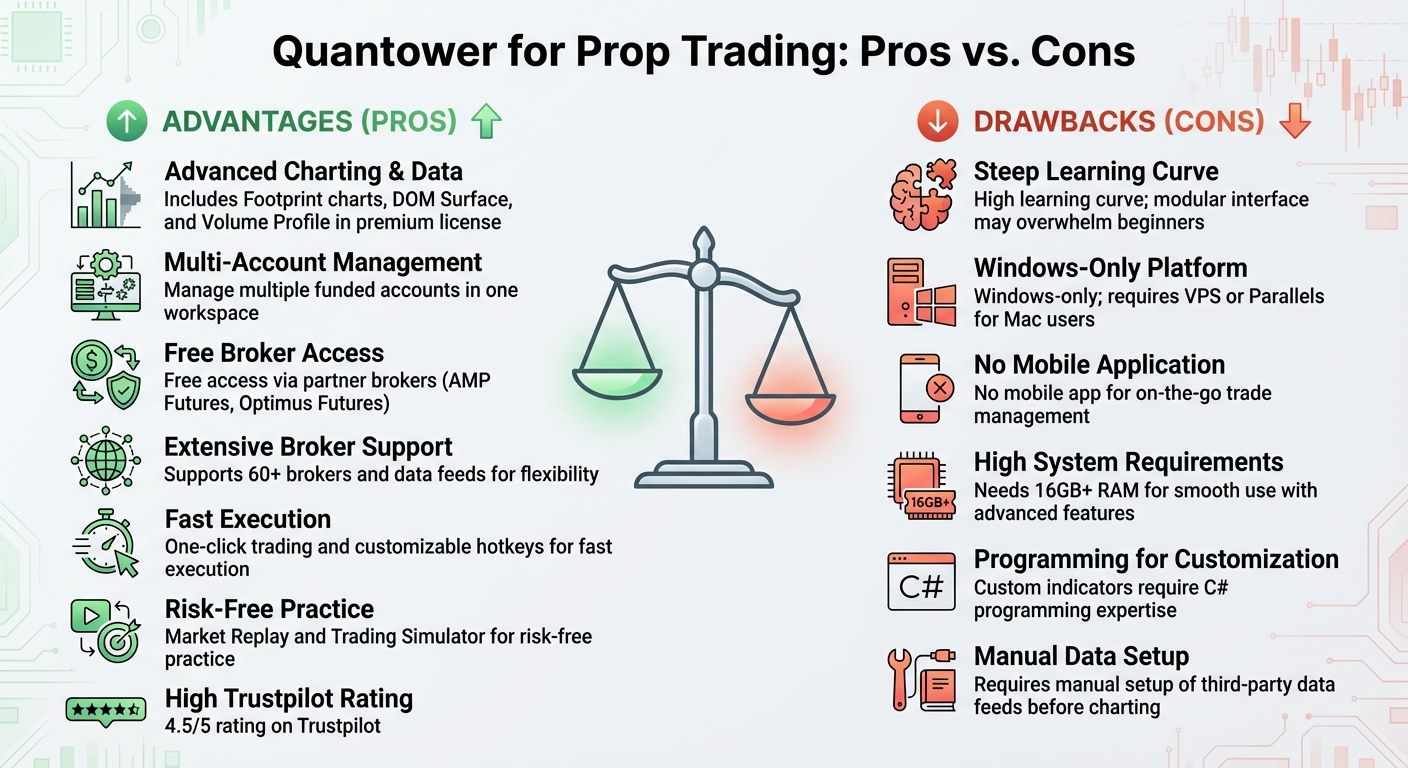
Quantower Trading Platform Pros and Cons for Prop Traders
Quantower provides advanced tools for futures prop traders, but it isn’t without its challenges. The platform’s multi-broker support makes it easier to manage multiple funded accounts from firms like Apex Trader Funding and Topstep in one workspace. Features like native Footprint charts and the DOM Surface offer professional-grade order flow visualization without needing costly third-party tools. It’s also well-regarded by users, earning a 4.5/5 on Trustpilot, with many traders highlighting its smooth price action.
On the flip side, the platform does come with a steep learning curve, which can be daunting for beginners. Trading tools expert Will Kopec points out:
"Quantower creates more friction than it resolves… Getting it running requires meaningful technical setup before you can even see a chart".
The Windows-only design is another drawback, as Mac users must rely on virtualization software or a VPS, adding extra layers of complexity. Additionally, the lack of a mobile app limits your ability to monitor trades when away from your desk.
For optimal performance, the platform demands at least 16GB of RAM and an SSD, especially when running multiple advanced panels like the DOM Surface or Footprint charts. Custom indicator development is another hurdle, requiring proficiency in C# programming and Microsoft Visual Studio, which is more complex compared to platforms like TradingView.
Here’s a breakdown of the platform’s key advantages and challenges:
Comparison Table: Pros vs. Cons
| Advantages | Drawbacks |
|---|---|
| Includes Footprint charts, DOM Surface, and Volume Profile in the premium license | High learning curve; modular interface may overwhelm beginners |
| Manage multiple funded accounts in one workspace | Windows-only; requires VPS or Parallels for Mac users |
| Free access via partner brokers (see Pricing section) | No mobile app for on-the-go trade management |
| Supports 60+ brokers and data feeds for flexibility | Needs 16GB+ RAM for smooth use with advanced features |
| One-click trading and customizable hotkeys for fast execution | Custom indicators require C# programming expertise |
| Market Replay and Trading Simulator for practice without risk | Requires manual setup of third-party data feeds before charting |
Quantower’s combination of powerful tools and flexibility makes it appealing for prop traders focused on order flow-based strategies, though it does require a level of technical know-how to get the most out of it.
Conclusion: Should Prop Firm Traders Use Quantower?
Quantower brings a strong set of tools for traders aiming to excel in prop firm evaluations. Features like Footprint charts, DOM Surface, and TPO charts provide advanced market depth analysis without needing additional software. For those trading with firms such as Apex Trader Funding or Topstep, the platform’s Rithmic integration ensures smooth and reliable connectivity. This makes it a solid choice for developing and testing strategies.
The Market Replay and Trading Simulator features allow you to test strategies at double speed, which is great for quickly fine-tuning entry and exit points. Additionally, one-click trading and customizable hotkeys make execution faster – something essential during high-volatility sessions, especially for scalpers.
When it comes to cost, Quantower is fairly accessible. A standalone license is $70 per month, but traders can access the platform for free through broker partnerships with AMP Futures or Optimus Futures. The $1,590 lifetime license pays for itself in roughly 16–20 months. For those managing multiple funded accounts, broker partnerships can eliminate platform fees entirely, adding even more value.
That said, the platform does have its challenges. It’s Windows-only, has a steep learning curve, and requires a robust setup with at least 16 GB of RAM and an SSD. However, for traders serious about order flow trading, the benefits – like faster execution and reliable performance – far outweigh these hurdles. Quantower delivers the tools and flexibility needed to thrive in this demanding trading environment.
FAQs
Which Quantower order flow tools matter most for passing a prop firm evaluation?
When it comes to passing a prop firm evaluation, having the right tools can make all the difference. Quantower offers several features that are particularly useful for traders aiming to meet the strict requirements of these evaluations.
Some of the most critical tools include:
- Deep Market Data Access: This provides traders with detailed insights into market activity, enabling more informed decisions.
- Smooth Order Execution: Fast and reliable execution ensures you can act quickly on opportunities without delays.
- Advanced Analysis Features: Tools like volume analysis, level 2 data, DOM Surface, and TPO charts allow for precise market analysis, helping traders navigate complex scenarios with confidence.
By leveraging these tools, traders can achieve the accuracy and speed necessary to succeed in a prop firm evaluation.
What’s the simplest way to connect Quantower to Rithmic without setup issues?
To link Quantower with Rithmic smoothly, start by opening the connection manager within Quantower. From there, select Rithmic and choose whether you’d like a Demo or Real connection. Enter your login credentials and hit "Connect." Make sure your Rithmic account is active, all necessary agreements are accepted, and the server settings (like the default Chicago servers) are correctly configured. Additionally, using the most up-to-date version of Quantower can help prevent any potential issues.
How powerful does my PC need to be to run DOM Surface and Footprint charts smoothly?
To ensure DOM Surface and Footprint charts run smoothly, you’ll need a high-performance computer setup that can handle the demands of deep order flow analysis. While exact hardware specifications aren’t provided, a fast processor and ample memory are generally essential for optimal functionality.