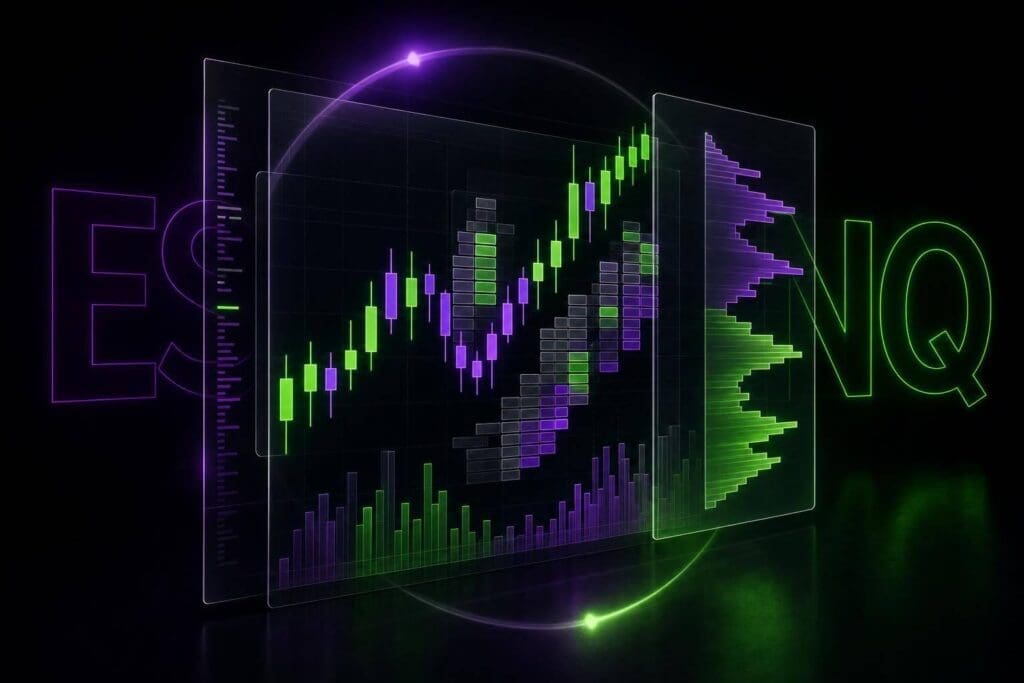
Short version: yes, but only for chart-first futures traders. If your edge comes from reading structure, volume profile, footprint, and replay in one platform, MotiveWave can earn its spot. If you just want clean order entry and a low-friction setup, it’s probably too much platform for the job.
I’m not going to rehash the whole feature list you just saw. I’m going to cut to the part that matters: who should use it, who shouldn’t, and where the money and effort make sense. For ES and NQ traders, that’s the only thing worth caring about.
Table of Contents
- What Is MotiveWave Like for Futures Traders?
- Charts, Volume Profile, and Order Flow Tools
- Can You Trade Futures Efficiently in MotiveWave?
- Where MotiveWave Helps Most – and Where It Falls Short
- Is MotiveWave Worth It for Your Trading Style?
sbb-itb-46ae61d
Introduction
MotiveWave is a futures platform for traders who care more about deep chart work than raw execution speed. It’s a broker-neutral desktop platform for technical futures traders, and it runs natively on Windows, macOS, and Linux. A lot of traders use it mainly for analysis, then place trades somewhere else. That puts MotiveWave in a pretty specific lane: it fits traders who start with chart study first, then want execution tools that don’t feel like an afterthought [1][2][3][4].
The big selling point is tool depth. You get 300+ built-in technical studies, plus a full Elliott Wave toolkit with automated wave counting, rule enforcement, and Fibonacci integration. It also includes footprint charts, volume profile vs price action, and Replay Mode for backtesting and screen-time practice [1][2][3]. For ES and NQ traders, that’s the part that matters. Fancy feature lists are nice, but what counts is whether those tools help you read structure, pace, and participation on live futures charts without turning the platform into a mess.
That depth isn’t cheap. The Community Edition is free, while the full Ultimate package goes up to $499/month [2]. So the issue isn’t whether MotiveWave has a lot of tools. It does. The issue is whether ES and NQ traders get enough from the charting, order flow, and execution side to justify paying that much for one workflow.
What Is MotiveWave Like for Futures Traders?
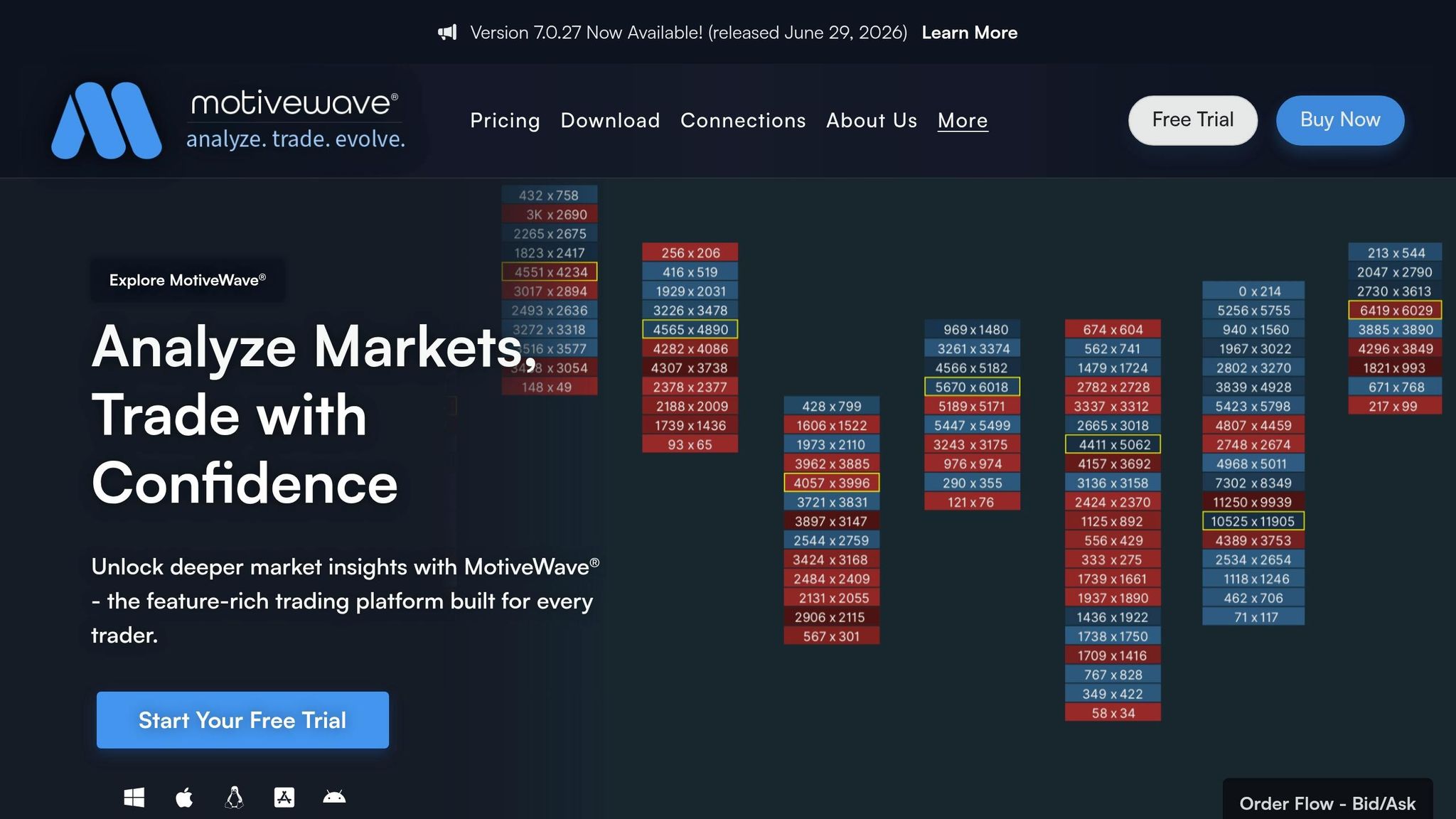
For futures traders, MotiveWave matters because it puts broker-neutral connectivity, charting, and execution in one desktop workspace. You’re not stuck inside one broker’s setup. That’s the whole point.
MotiveWave doesn’t offer brokerage or market data on its own. It sits alongside your broker and data feed, giving you a separate place for analysis and order management. If you trade futures and want your charts and execution in one clean workspace without tying yourself to a single broker relationship, that setup makes sense.
It starts to matter even more when you’re using MotiveWave for ES and NQ chart analysis, order flow, and execution. That’s where the platform stops being just another charting app and starts feeling like an actual trading desk on your desktop.
Charts, Volume Profile, and Order Flow Tools
The part that matters is simple: do MotiveWave’s tools make ES and NQ easier to read when the market is moving?
Charting for ES and NQ Intraday Structure, Volume, and Session Levels
MotiveWave gives you multi-timeframe chart layouts that stay usable during busy sessions without turning into a mess. On ES and NQ, that usually means keeping a higher-timeframe chart, like a 30-minute or 60-minute, for session structure next to a faster chart for entries. You can keep both in the same workspace and read them fast.
Indicator stacking is handled well. VWAP, session highs and lows, and moving averages sit on price without making the chart hard to read. That matters at the New York open, when things speed up and weak chart layouts fall apart. Here, the charts stay responsive, and you don’t have to keep cleaning up the screen just to find your levels.
So instead of digging through settings and menus, you get a layout where structure, pace, and key session levels are right in front of you.
From there, volume profile and order flow help confirm whether that chart read has actual participation behind it.
Volume Profile and Footprint and Order Flow Tools
MotiveWave lets futures traders mark value areas, follow developing profiles, and spot imbalances right on ES and NQ charts in real time [1][2]. The volume profile updates as the session builds, which is a big deal. You can see whether price is accepting or rejecting value while it’s happening, not hours later when the move is over.
Footprint charts drill down further by showing bid and ask volume at each price level. That’s where you start seeing whether a candle had absorption or aggressive buying or selling behind it. On NQ, for example, if a footprint shows heavy ask-side volume into resistance and price stops pushing, that tells you more than a plain candlestick chart. It gives you a cleaner read on whether sellers are holding the level.
These tools don’t do the job for you. They just add the participation layer that plain price charts miss, and that can make your ES and NQ reads less shaky.
Replay, Backtesting, and Strategy Testing
MotiveWave lets futures traders replay historical ES and NQ sessions tick by tick, so you can test entries and exits against how the session actually unfolded, not just against static charts [1][2][3]. That’s useful when you’re working on setups around key levels, like an ES open-drive or a failed auction at prior value, where sequence and timing matter a lot.
You can move through the session bar by bar, place simulated orders, and check whether your read on structure matched what the market printed. That’s the kind of feedback loop that helps when you’re building or tightening a rules-based approach. For futures trading, it’s a lot more useful than running tests off end-of-day closes and pretending that tells the whole story.
The next thing that matters is whether all that analysis moves cleanly into live order entry.
Can You Trade Futures Efficiently in MotiveWave?
After chart quality and order-flow tools, the next thing that matters is simple: can MotiveWave hold up when you need to place and manage futures trades?
The answer has less to do with raw speed and more to do with workflow. If you’re a speed-heavy scalper, what matters is whether the platform feels fast enough when you’re entering orders live. If you’re a discretionary trader, the bigger win is having analysis and execution in the same workspace.
To be clear, this review does not verify MotiveWave’s live execution performance for speed-sensitive ES or NQ trading. That’s a line we won’t fake.
What MotiveWave does give you is a setup where the same charts you use for analysis are also where you manage trades. That includes volume profile, footprint data, and session levels. For chart-first discretionary traders in ES or NQ, that’s the practical case for using one platform instead of bouncing between tools. You read the market, act on the chart, and stay in the same flow.
That’s where MotiveWave starts to make sense. It also shows where the platform can feel a bit clunky, depending on how fast you need to work.
Where MotiveWave Helps Most – and Where It Falls Short
MotiveWave makes the most sense for traders who lean on advanced tools every day. If your ES or NQ workflow runs on deeper analysis, not just plain chart reading, the platform starts to earn its keep. That’s the whole point here: does that extra depth make your futures workflow better enough to justify the cost?
Biggest Strengths for Futures Traders
MotiveWave’s main edge is simple: depth in one place. Charting, order flow, backtesting, and layout control all live inside the same desktop platform. For ES and NQ traders, that matters.
You can keep volume profile, footprint data, multi-monitor layouts, and order-flow confirmation on screen without bouncing between tools in the middle of a session. That cuts a lot of friction. Less tab-hopping. Less setup mess. More focus on the trade in front of you.
Main Drawbacks and Friction Points
The downside is pretty obvious. It’s expensive, and it takes work to use well.
If all you want is clean charts and basic order entry, MotiveWave is overkill. You’re paying for depth you probably won’t touch. For basic charting traders, the math doesn’t work.
Scalpers usually feel this pain first. They tend to want speed, clean execution, and as little clutter as possible. Analysis-heavy discretionary traders get a lot more out of what MotiveWave offers.
What the Learning Curve Actually Looks Like
This isn’t plug-and-play. Elliott Wave, Fibonacci tools, and workspace setup all take time to learn. Not a little time. Real sit-down-and-build-your-workspace time.
If you’re willing to put that work in, you can get a lot more out of the platform. If you’re not, you’ll probably bail and go back to a lighter setup. That’s the split, plain and simple. Traders who want deep analysis tend to stick with MotiveWave. Traders who just want to get in, get out, and keep the screen clean usually won’t.
Is MotiveWave Worth It for Your Trading Style?
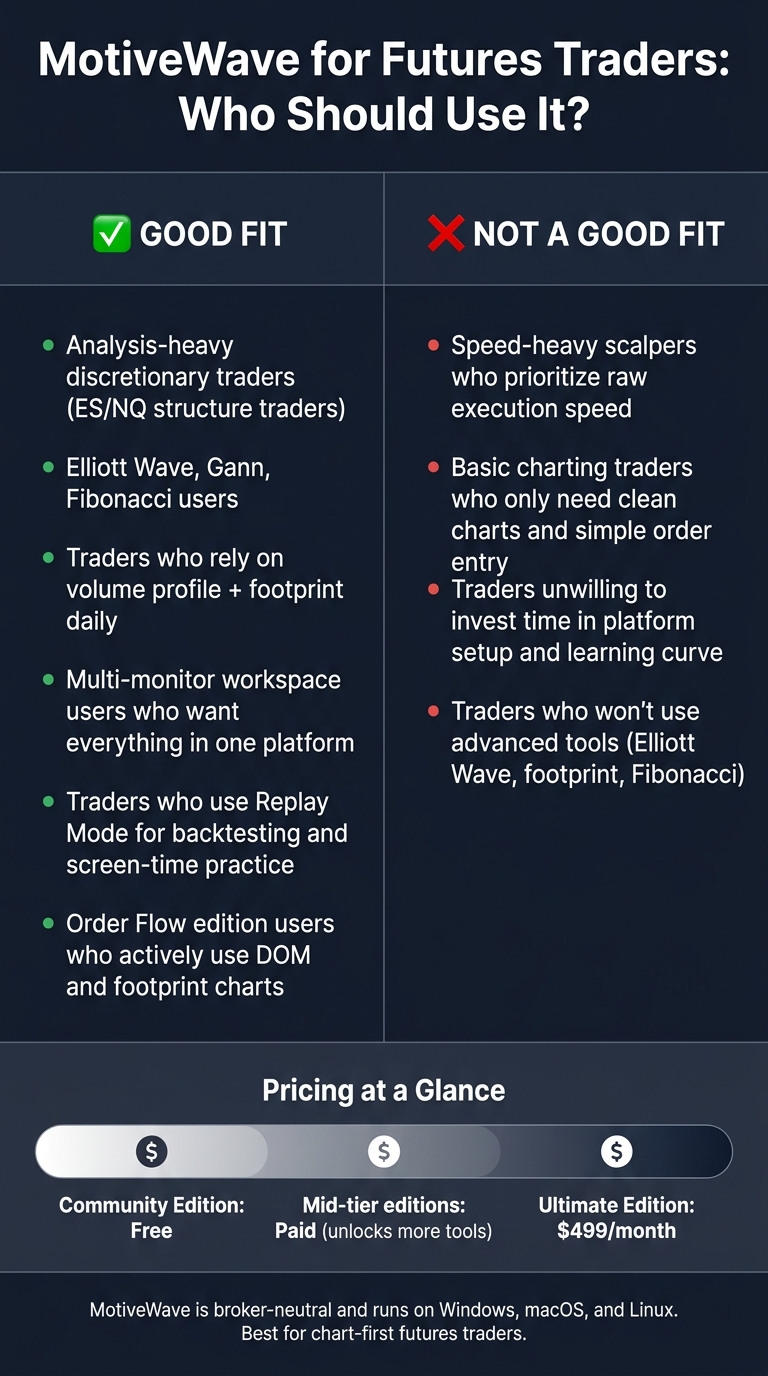
MotiveWave for Futures Traders: Who Should Use It?
Price matters. So does the learning curve. But the bigger issue is simple: does MotiveWave match how you trade? If those tools sit at the center of your process, it can make sense. If they don’t, you’re paying for stuff you won’t use.
Analysis-heavy traders are the clearest fit. The higher tiers come with Elliott Wave, Gann, Fibonacci, automated pattern recognition, and ratio analysis. If your ES or NQ workflow starts with market structure, then you check participation before pulling the trigger, MotiveWave lines up with that process.
The split is pretty clean. Deep-analysis traders use it for structure. Scalpers use it for execution context. Scalpers fit the Order Flow edition only if they use DOM and footprint tools. That’s the make-or-break point. The main tools here are DOM and footprint charts, which are the same order-flow layer covered earlier for reading absorption and aggression on ES and NQ in real time.
Best Fit for Futures Traders
MotiveWave is worth it only if advanced analysis and order flow are core parts of your futures process. If not, consider Tradovate or NinjaTrader and keep it moving.
FAQs
Do I need a broker and data feed with MotiveWave?
Yes. If you want to trade futures in MotiveWave, you need a separate broker and a data feed. MotiveWave is a charting and analysis platform. It is not a brokerage.
It connects to services like Rithmic, CQG, Trading Technologies, and Interactive Brokers, so you can hook up your futures account and send orders through that connection. One thing to keep straight: the MotiveWave platform fee is separate from your broker commissions and market data fees.
Is MotiveWave too slow for futures scalping?
It comes down to what you need from the platform.
MotiveWave works fine for normal charting and trade analysis. If you’re swing trading, day trading off charts, or using order flow without needing split-second execution, it does the job.
But let’s be blunt. It isn’t built for ultra-low-latency scalping.
The DOM and order flow tools are usable, but if your setup depends on razor-tight timing, very low latency, or fast in-and-out trading on ES or NQ, MotiveWave can start to feel a bit thin. That matters more when you’re trading tick by tick and every small delay shows up in your fills.
Which MotiveWave edition is best for ES and NQ trading?
The Ultimate Edition makes the most sense for ES and NQ traders who want what MotiveWave does best: automated Elliott Wave analysis. That means wave counting, rule enforcement, and pattern scanning built into the platform instead of doing all that work by hand.
If Elliott Wave isn’t part of your process, don’t overpay. The Professional Edition is enough for order flow tools, DOM, and volume profile. For most traders, that’s the line. Pay for the wave tools only if you’ll actually use them.